
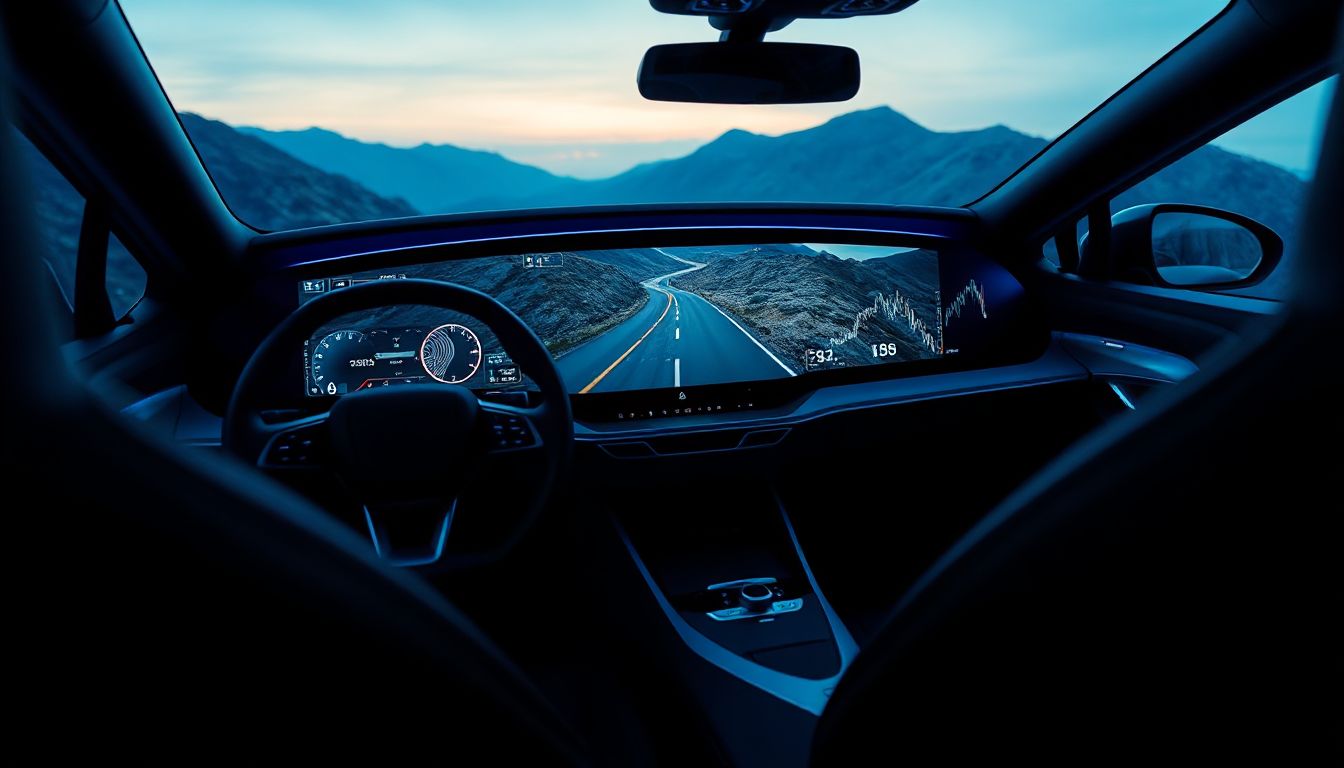
Remember when car radios crackled with static? Those days feel ancient now. Driving enthusiasts demand more. Today’s infotainment systems turn your car into a smart partner. They boost safety and performance. Think quick connections, fast responses, and options to tweak setups. These tools keep you focused on the twisty road ahead.
Section 1: Decoding Performance Metrics in Automotive Tech
Infotainment shines when it matches your drive style. You need speed and clear views. Let’s break down what makes a system top-notch for enthusiasts.
Sub-section 1.1: Processor Speed and Latency: The Responsiveness Factor
Processors power your screen’s quick moves. Qualcomm Snapdragon chips handle tasks fast in many cars. They cut boot times to seconds. In-house options from brands like Audi work well too. But Snapdragon often leads in smooth operation.
Latency means delay in touches or maps. A laggy screen pulls your eyes off the road. That’s risky during hard cornering. Good systems refresh in under 100 milliseconds. You stay in the zone. Test it: Tap navigation while speeding. Does it snap back right away?
Sub-section 1.2: Display Quality: Resolution, Brightness, and Anti-Glare Tech
Screens must pop, even in bright sun. OLED panels offer deep blacks and wide angles. They beat basic LCDs for vivid colors. Aim for 1080p resolution at least. That gives sharp icons for speed readouts.
Brightness hits 1000 nits in top models. It fights glare on sunny drives. Anti-reflective layers help too. Without them, you squint at data. Porsche’s systems nail this for track days. Clear views keep you safe and informed.
Sub-section 1.3: Input Modalities: Beyond the Touchscreen
Touch works, but it’s not enough alone. Physical knobs let you adjust without looking. BMW’s iDrive dial spins smooth for menus. Tesla sticks to screens, which can distract.
Voice commands shine for hands-free calls. Say “navigate home” and go. Haptic buttons vibrate to confirm taps. They add feel in bumpy rides.
- Tip: Try volume or zoom with one hand. Can you do it eyes on road?
- Look for hybrid setups. They mix touch, voice, and dials best.
These inputs make spirited drives safer. You control the car, not the tech.
Section 2: The Apex of Connectivity: Integrating Performance Data and Navigation
Connectivity ties your phone to the car. It feeds real-time info. For enthusiasts, this means better routes and stats on the fly.
Sub-section 2.1: Advanced Navigation: Real-Time Traffic and Topographical Awareness
Basic maps like Google show traffic jams. Vehicle systems go deeper. They factor in your speed and fuel range. That helps on long hauls or mountain passes.
3D views paint roads in detail. Satellite overlays spot twists ahead. Subaru’s EyeSight maps adjust for hills. You plan attacks without surprises. Real-time updates dodge delays. It’s like a co-driver whispering turns.
Sub-section 2.2: Essential Smartphone Integration: Wired vs. Wireless Protocols
Wired CarPlay or Android Auto links steady. Cables avoid drops at high speeds. Wireless versions free up ports but can stutter. In fast drives, stability wins.
Apple’s wireless works in newer iPhones. Android lags sometimes due to signal hops. Test in motion: Does music skip? Top systems buffer data to smooth it out.
Charging pads add convenience. But some slow transfers if too hot. Place your phone right for best flow.
Sub-section 2.3: Telemetry and Vehicle Data Access Through the Interface
See G-forces live on screen. That’s gold for track fans. Systems pull tire pressure or temps direct. No extra gauges needed.
Ford’s Sync shows oil levels clear. It logs laps too. Aftermarket apps feed OBD data in. You monitor without distraction.
- Example: Chevy’s setup displays boost in Corvettes. Track pros love it.
- Pull over to review logs post-drive.
This access turns data into drive smarts.
Section 3: Audio Immersion: Sound Quality for High-Speed Environments
Sound matters when wind howls. Good audio cuts through noise. Enthusiasts crave clear tunes on open roads.
Sub-section 3.1: Acoustic Engineering in Loud Cabin Environments
Active noise cancel fights roar at 100 mph. It pairs with infotainment for crisp sound. Bose systems in Cadillacs block hums.
Speakers stage music wide. Transducers vibrate true, not just loud. Burmester in Porsches places notes like a concert hall. Wattage alone fools no one. Quality rules.
Rain or wind? ANC keeps podcasts clear. You hear every word.
Sub-section 3.2: Hi-Res Audio Support and Codec Compatibility
Skip low-bit MP3s. Go for FLAC files. They pack full detail. Systems with aptX HD Bluetooth stream rich sound wireless.
Standard codecs like AAC work okay. But LDAC pushes higher rates. Sony cars lead here. Your playlist hits harder.
- Tip: Rip CDs to lossless. Stream from apps like Tidal for peak quality.
- Check phone match. iPhones cap at AAC; Androids open more doors.
High-res audio rewards gear heads.
Section 4: Customization and Future-Proofing: Building a Personal Cockpit
Tailor your setup like a custom wheel. It fits your style. Long-term updates keep it fresh.
Sub-section 4.1: Software Ecosystem and Over-the-Air (OTA) Update Capabilities
Mercedes MBUX locks to their world. Android Automotive opens apps wide. You add tools easy.
OTA fixes bugs overnight. Tesla pushes them often. Security stays tight. New features roll in, like better voice.
Compare: BMW updates yearly. Google-based ones monthly. Pick what grows with you
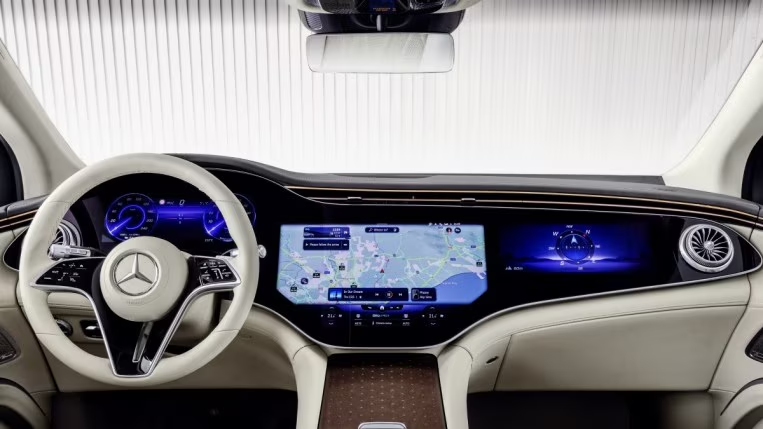
Sub-section 4.2: Reconfiguring Digital Gauge Clusters and Head-Up Displays (HUDs)
Swap views quick. Cruise mode shows nav. Performance flips to tach and G-meter. Audi’s Virtual Cockpit does this seamless.
HUD beams info to windshield. Color projections read speed at glance. Placement avoids wipers. Chevy Bolt’s HUD fits tight turns.
- Adjust for height. Tall drivers tweak angles.
- Test in dark: Does it wash out?
Custom clusters make every drive yours.
Section 5: Aftermarket Solutions for Enthusiasts: Bridging the OEM Gap
Factory screens fall short sometimes. Aftermarket upgrades fill voids. They pack power for modders.
Sub-section 5.1: Selecting High-Performance Head Units (Double-DIN vs. Modular)
Double-DIN units fit standard slots. Pioneer’s NEX series cranks fast processors. Alpine’s iLX floats modular for dashes.
EQ tunes sound precise. CAN bus adapters keep controls. Install pros handle wires.
- Brands to eye: Kenwood for nav depth.
- Budget? Start at $500 for solid gains.
These beat stock in speed.
Sub-section 2: Seamless Integration of Performance Monitoring Hardware
OBD readers plug in. Torque Pro apps show on head units. Skip dash clutter.
Retros keep cameras and wheels. A Mazda Miata swap added 4K screen. Factory backup stayed.
- Example: Subaru WRX owners link boost gauges direct.
- Cost: $200 for modules.
Aftermarket builds dream cockpits.
Conclusion: The Infotainment System as the Digital Co-Pilot
Top infotainment delivers speed, clear displays, and data depth. It connects nav, audio, and stats without fuss. For driving fans, this gear enhances every mile.
The best ones fade into the background. They serve info fast when needed. Research your ride’s fit. Test drive options. Upgrade now for roads that thrill.